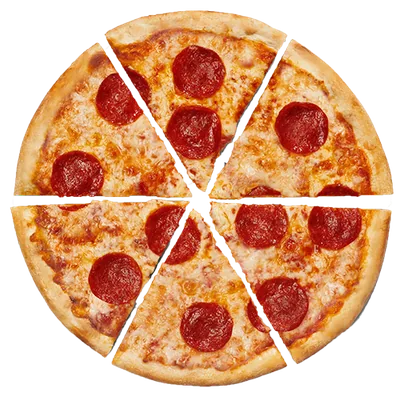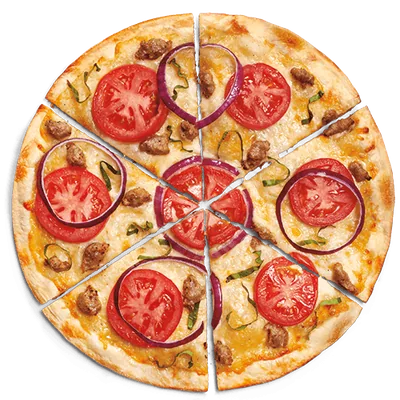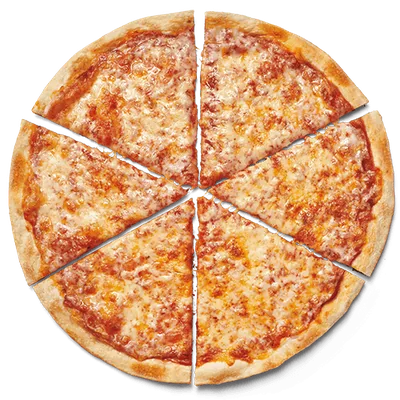
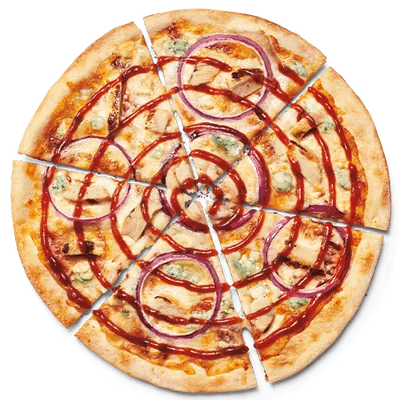
MOD Pizza size comparisons are easiest to understand when the pizza name stays the same and the published serving row changes. Mini, MOD, and Mega Dough are not interchangeable labels attached to one nutrition profile. In the captured source, each is a separate row with its own calories, fat, sodium, carbohydrates, and protein.
The table and examples below use MOD Pizza official nutrition information captured on 2026-07-14. They compare five signature recipes that have all three listed rows in the local snapshot. The values are planning references for those exact captured servings, not a promise about current recipes, portions, restaurant preparation, or availability.
Mini vs MOD vs Mega Dough: what the labels mean here
For this guide, “Mini,” “MOD,” and “Mega Dough” mean exactly what appears in the source row. Mini is the smaller listed pizza format. MOD is the standard listed format. Mega Dough is a distinct thicker-dough format with its own complete published row. The comparison does not assume that one size is a precise mathematical multiple of another.
That last point prevents a common error. If a Mini row shows 320 calories, doubling it does not automatically create the standard MOD value, and multiplying again does not recreate Mega Dough. The crust format, complete recipe, and listed serving are already reflected in each published row. Use the row itself rather than an arithmetic estimate.
Five signature pizzas compared across all three sizes
This table keeps the recipe fixed while changing the exact size/dough row. Calories are shown with four additional fields so the comparison does not collapse into one number.
| Item | Serving | Calories | Fat | Sodium | Carbs | Protein |
|---|---|---|---|---|---|---|
| Caspian | Mini | 430 | 14 g | 1360 mg | 57 g | 24 g |
| Caspian | MOD | 970 | 29 g | 2840 mg | 125 g | 49 g |
| Caspian | Mega Dough | 1480 | 35 g | 4150 mg | 213 g | 65 g |
| Calexico | Mini | 410 | 14 g | 1560 mg | 42 g | 25 g |
| Calexico | MOD | 860 | 28 g | 3230 mg | 95 g | 50 g |
| Calexico | Mega Dough | 1350 | 34 g | 4150 mg | 183 g | 66 g |
| Dillon James | Mini | 390 | 14 g | 1020 mg | 45 g | 20 g |
| Dillon James | MOD | 830 | 28 g | 2160 mg | 102 g | 40 g |
| Dillon James | Mega Dough | 1320 | 34 g | 3470 mg | 190 g | 56 g |
| Dominic | Mini | 320 | 10 g | 830 mg | 44 g | 13 g |
| Dominic | MOD | 700 | 20 g | 1800 mg | 98 g | 27 g |
| Dominic | Mega Dough | 1190 | 26 g | 3110 mg | 186 g | 43 g |
| Mad Dog | Mini | 470 | 22 g | 1320 mg | 42 g | 24 g |
| Mad Dog | MOD | 980 | 43 g | 2710 mg | 95 g | 49 g |
| Mad Dog | Mega Dough | 1470 | 47 g | 4020 mg | 183 g | 65 g |
Source: MOD Pizza official nutrition information, captured 2026-07-14. Fat, carbohydrate, and protein values are grams; sodium is milligrams. Search the complete MOD Pizza nutrition table for the remaining published fields and other recipes.
What changes when the pizza size changes?
Calories rise, but not by one universal multiplier
Dominic moves from 320 calories for Mini to 700 for MOD and 1,190 for Mega Dough in the captured rows. Caspian moves from 430 to 970 to 1,480. Mad Dog moves from 470 to 980 to 1,470. Those sequences do not share a single multiplier, and even within one recipe the step from Mini to MOD is not identical to the step from MOD to Mega Dough.
This is why a calculator should select exact variants rather than scale the smallest value. The MOD Pizza Calorie Calculator exposes each available row in the product card. Selecting the named option preserves the published value and lets the selected summary show exactly which serving entered the total.
Carbohydrates reflect the different dough format
Across the five examples, the carbohydrate column increases substantially from MOD to Mega Dough. Caspian is listed at 125 grams for MOD and 213 grams for Mega Dough. Dillon James is listed at 102 and 190 grams. The change is part of the complete published row; it should not be described as a topping-only difference.
Sodium can change by thousands of milligrams across rows
Size comparisons also change the sodium context. Calexico is listed at 1,560 milligrams for Mini, 3,230 for MOD, and 4,150 for Mega Dough. Dominic is listed at 830, 1,800, and 3,110 milligrams. These are source figures for the captured servings, not personalized intake advice. They show why reading only the calorie headline can hide another major difference between options.
Protein and fat move with the complete recipe
Protein generally rises with the larger listed rows in these examples, but so can fat and other fields. Calexico goes from 25 grams of protein for Mini to 50 for MOD and 66 for Mega Dough; its total fat values are 14, 28, and 34 grams. A higher protein number does not cancel the other published changes. The useful view is the complete row, not a single favorable field.
How to make a clean size comparison in the calculator
- Choose one pizza. Start with a recipe such as Caspian or Dominic rather than comparing unrelated names.
- Select Mini and add one portion. Confirm that the selected summary shows the Mini label and the expected line calories.
- Record the fields you care about. Calories, sodium, carbohydrates, fat, and protein are all visible in the total panel.
- Clear selections. A clean reset prevents the first size from remaining in the second scenario.
- Select MOD, then repeat for Mega Dough. Keep the pizza and quantity unchanged so size/dough format is the only variable.
- Add sides only after the size comparison. Once the base decision is clear, build the full order and see how the other portions change the combined result.
You can also add two sizes at once if you want the selected lines visible together, but remember that the large total then represents both pizzas combined. For a straightforward one-versus-one comparison, clearing between scenarios is easier to audit.
How to choose the right source row
Begin with what you actually intend to compare. If the order is a Mini, choose Mini. If the order is the standard MOD format, choose MOD. If the order specifically uses Mega Dough, choose the Mega Dough row. Do not substitute a smaller row because its number is easier to find or treat Mega Dough as a generic synonym for “large.”
The MOD Pizza menu guide helps confirm which named recipes and formats appear in the dated menu snapshot. The Nutrition page is the deeper lookup when you need all 11 fields. The calculator is the working tool for combining supported complete rows with quantities. These pages answer different parts of the same question.
Can you compare different pizzas across the same size?
Yes, as long as the size label remains visible. Comparing Mini Caspian with Mini Dominic is a recipe comparison within the smaller listed format. Comparing MOD Calexico with MOD Mad Dog is a standard-format recipe comparison. This is different from comparing Mini Dominic with Mega Dough Caspian, where both recipe and size change at once.
For example, the captured MOD rows show Dominic at 700 calories and Mad Dog at 980. Their sodium, carbohydrate, fat, and protein rows also differ. The gap reflects two complete recipes, not merely one topping. Use the exact row values and avoid turning the comparison into a claim about which pizza is appropriate for an individual diet or medical need.
Important limits before using these numbers
- The comparison covers the captured Mini, MOD, and Mega Dough rows, not every possible custom build or limited-time product.
- A size label does not establish the restaurant portion you will receive on a future date; verify current official information.
- Nutrition rows do not answer allergen or cross-contact questions. Use the site’s allergen reference and current restaurant guidance for those concerns.
- Prices, promotions, availability, substitutions, and ordering options can vary and are outside this dated nutrition comparison.
- The figures are general information, not medical advice or a personalized eating recommendation.
The reliable rule is simple: match the named pizza, select the exact published size or dough row, keep quantity visible, and read several nutrition fields together. From there, return to the MOD Pizza nutrition blog for more focused comparisons or build the full planned order in the calculator.